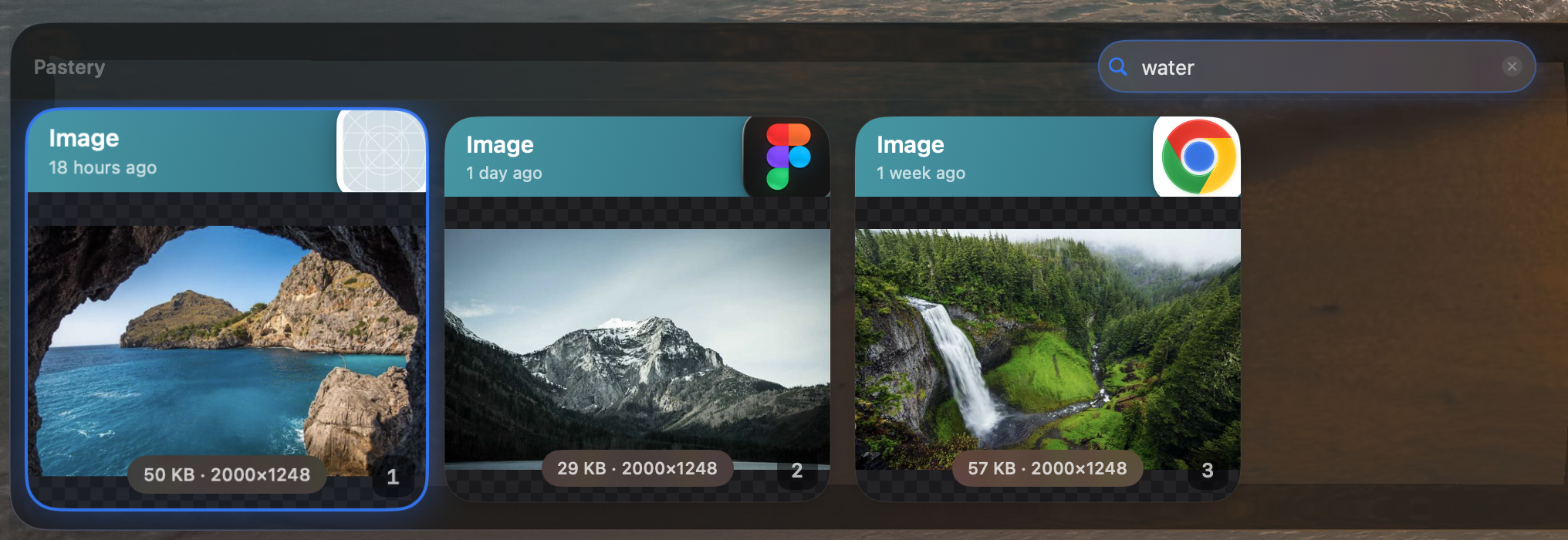
Visual Search. Find screenshots and images by what's inside them — not just filenames.


Pastery turns your clipboard into a searchable timeline — with image understanding, filters, and instant text transformations.
Try for free
Visual Search. Find screenshots and images by what's inside them — not just filenames.
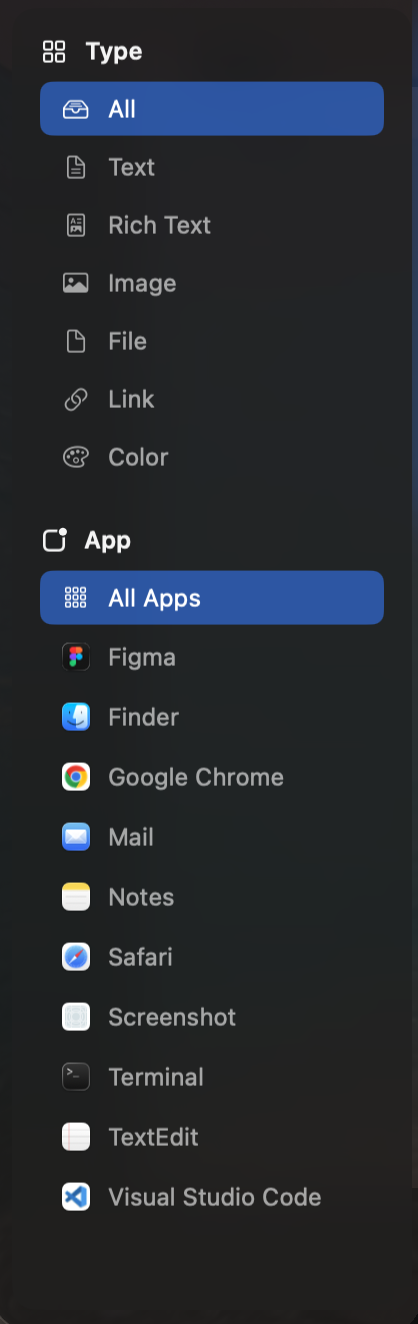
Filters. Narrow your history by type, app, or date and land on the right paste fast.
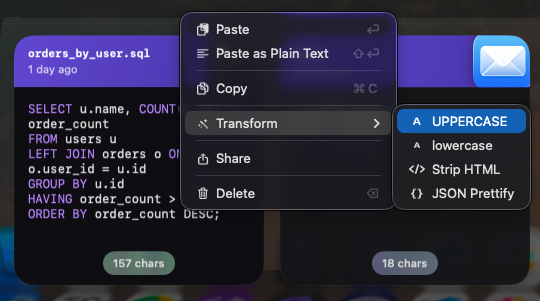
Transform. Clean up text before you paste — case, JSON, spacing, and more in one click.
The crafted way of finding your pastes. Use filters, search and the timeline to efficiently find what you need, when you need it.
 Pastery
Start with a 14-day free trial. No credit card required.
Save 30% per year
Secure checkout via Lemon Squeezy. Cancel anytime.
